
My Journey Through the Stunning World of Black Myth: Wukong and Its Hidden Photo Mode
Unlock the hidden Photo Mode in Black Myth: Wukong to master breathtaking landscapes and epic boss fights. Explore six customization windows and eight exquisite filters for artistic expression.
It's 2026, and I still find myself returning to the breathtaking world of Black Myth: Wukong. As a professional gamer, I've battled countless epic bosses and mastered the intricate combat system, but what truly keeps me coming back is the sheer, awe-inspiring beauty of its landscapes. The developers didn't just create a game; they crafted a living, breathing painting where every frame could be a masterpiece. I remember the first time I stood atop a mist-shrouded peak, the golden light of a virtual sunset painting the ancient temples below. I desperately wanted to capture that moment, to hold onto that feeling. Little did I know, the game held a secret just for moments like these.
You see, Black Myth: Wukong doesn't explicitly tell you about its Photo Mode. It's a hidden gem, a tool for those of us who want to be artists as well as warriors. I stumbled upon it by accident during a quiet moment of exploration. The process is beautifully simple. On my PC, I just press the 'P' key. For my friends on PlayStation, it's a matter of holding R2 and then pressing the touchpad. Just like that, the world freezes, the HUD disappears, and I'm handed the keys to my own personal camera studio.
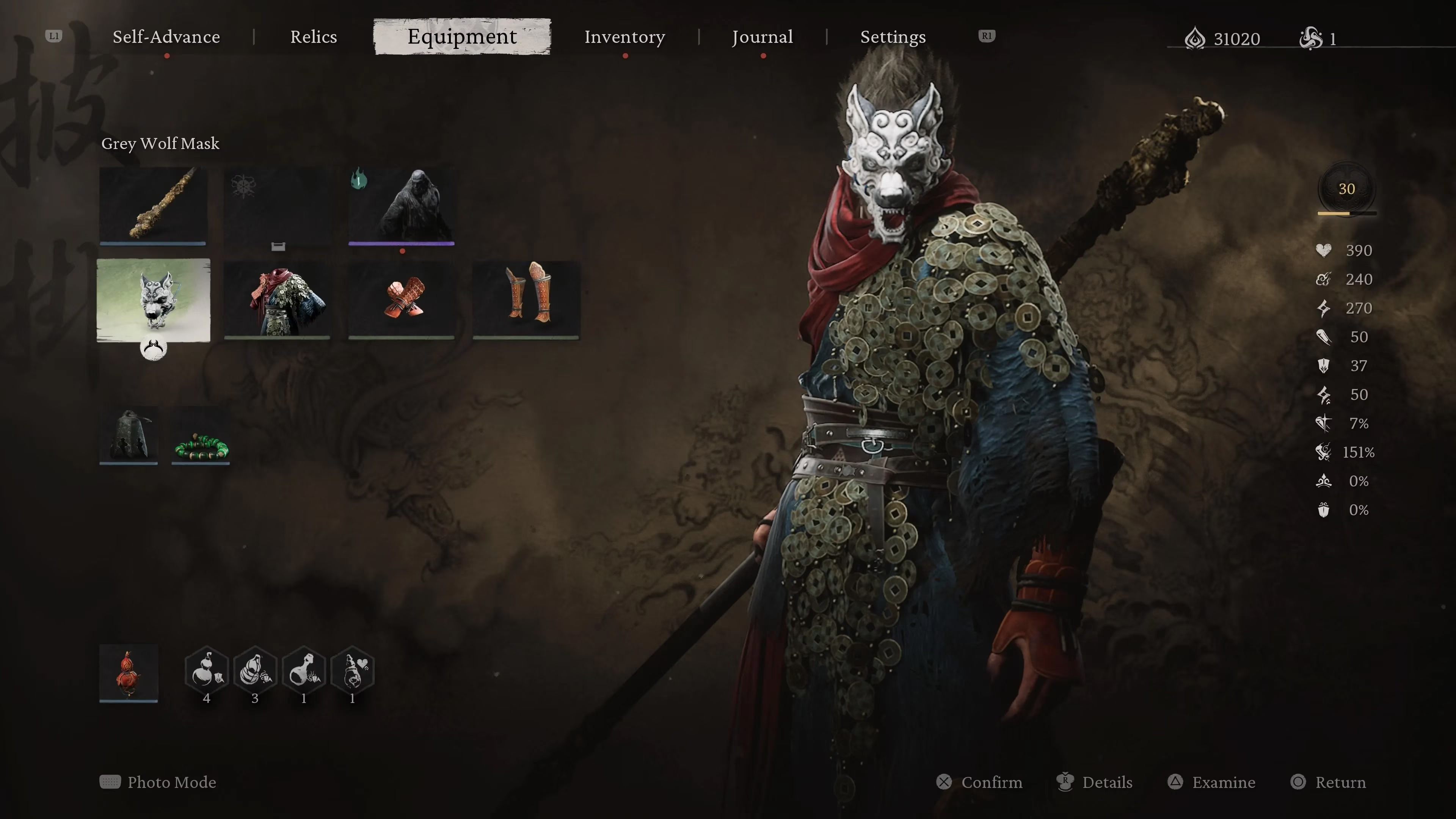
Activating the mode is just the beginning. The real magic happens in the six separate customization windows. It felt overwhelming at first—so many sliders and options! But as I tinkered, I realized this was my playground. The heart of the visual expression lies in the eight exquisite filters. Each one tells a different story:
🎨 The Filter Palette of Black Myth: Wukong 🎨
| Filter Name | Mood & Effect | Best Used For |
|---|---|---|
| Black and White | Classic, dramatic, focuses on light and shadow | Epic boss fight aftermath, solemn moments |
| Vintage Black and White | Adds a grainy, timeless, aged-film quality | Ancient ruins, flashback-style scenes |
| Fade | Soft, dreamlike, with muted colors | Ethereal forest biomes, memory sequences |
| Majestic | Enhances grandeur, makes colors regal and deep | Monumental architecture, godly encounters |
| Vibrant | Pops with life, maximizes saturation and contrast | Lush jungles, vibrant spell effects |
| Twilight | Cool, blue-purple tones, perfect for dusk/dawn | Transitional times of day, mystical areas |
| Bold | High contrast, sharpens details dramatically | Action shots, close-ups on armor and weapons |
| Autumn | Warm, golden-hour glow with reddish tints | Mountain passes, temple courtyards |
My personal favorite is 'Twilight' for the haunting beauty it lends to the bamboo forests. But the beauty doesn't stop at filter selection. The intensity slider for each filter is a game-changer. I can dial the 'Vibrant' filter up to 100 for a hyper-realistic comic-book feel, or tone the 'Fade' filter down to 30 for just a whisper of nostalgia. It’s all about control.
Beyond filters, the Photo Mode lets me become a true director. I can:
-
Adjust the camera angle from ground-level worms-eye views to soaring aerial shots, making even the smallest spirit creature look monumental.
-
Play with depth of field, blurring the background to make Wukong himself the undeniable focus, or bringing every leaf in the forest into crystal-clear detail.
-
Modify saturation, contrast, and brightness on the fly, compensating for the game's already stellar lighting to create the perfect mood.
After minutes (sometimes hours!) of careful adjustment, I simply toggle the menu away and hit my screenshot key. The image saves directly to my gallery—a permanent trophy of my journey. In a game where the focus is so intensely on combat mastery, this Photo Mode is a deliberate, wonderful pause. It encourages you to stop and see the world you're fighting to save. For me, it transformed the experience from a series of challenges into a personal travelogue. I have albums filled with these shots: Wukong silhouetted against a colossal boss, the quiet grace of a hidden shrine, the chaotic beauty of a spellcasting frenzy. It’s more than a feature; it’s a love letter to the art of game design, and I'm so grateful I found it. If you're playing, don't just fight through it. Stop. Look around. And press 'P.' You might just discover the game's greatest treasure isn't a weapon, but a perspective.